One Outpost instance is one self-hosted community: accounts, text and voice channels, roles, invites, and file uploads. Use it from a browser, the desktop app, or your phone. It runs entirely on your own infrastructure. Real WebRTC voice and video, through LiveKit.
Matrix/Element, Revolt, Mattermost, and Rocket.Chat all exist. None of them combine real-time chat, genuine WebRTC voice and video, and a deployment this simple. Outpost is built from proven pieces (LiveKit for voice/video, MinIO for file storage) instead of reinventing them, wrapped in one Docker Compose bundle you can stand up in minutes.
Push-to-talk or voice activity detection, per-device input and output selection, mute and deafen. Backed by LiveKit's WebRTC stack, the same technology behind production video platforms.
Message edit and delete, reactions, pinned messages, search, typing indicators, presence, threads, link previews, and file attachments. The things you actually expect from a chat app.
Role-based permissions, invite-gated or open registration, reporting, blocking and an audit log. You control who is in your community and what they can do.
A real desktop client for Windows, macOS, and Linux, plus a Flatpak. Bookmark multiple Outpost instances and switch between them.
Turn it on and your DMs are encrypted on your device. The person running the server cannot read them. Your key stays with you, and a recovery code is how you get it onto a second device. How it works.
Point it at Authentik, Authelia, Keycloak, Zitadel, Okta or Entra, and people sign in with the identity you already run. Accounts made this way have no password to guess or reuse. Set it up.
A single install.sh script generates every secret and brings up the whole stack with
Docker Compose. App, Postgres, LiveKit, and MinIO. See the
guide.
The full source is on GitHub Read it, fork it, self-host it, contribute to it.
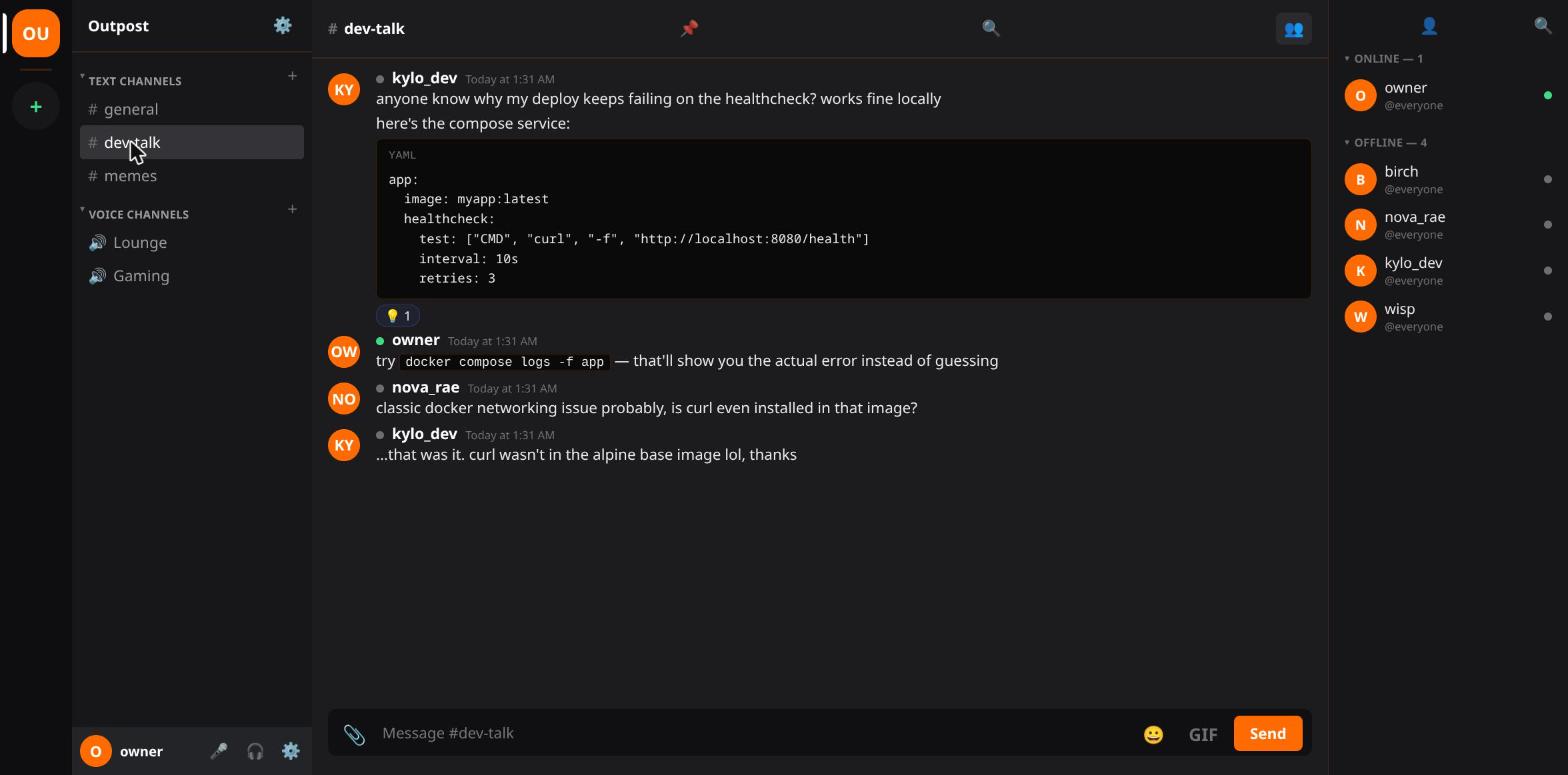
Reactions, emoji, and the everyday back-and-forth of a real community.
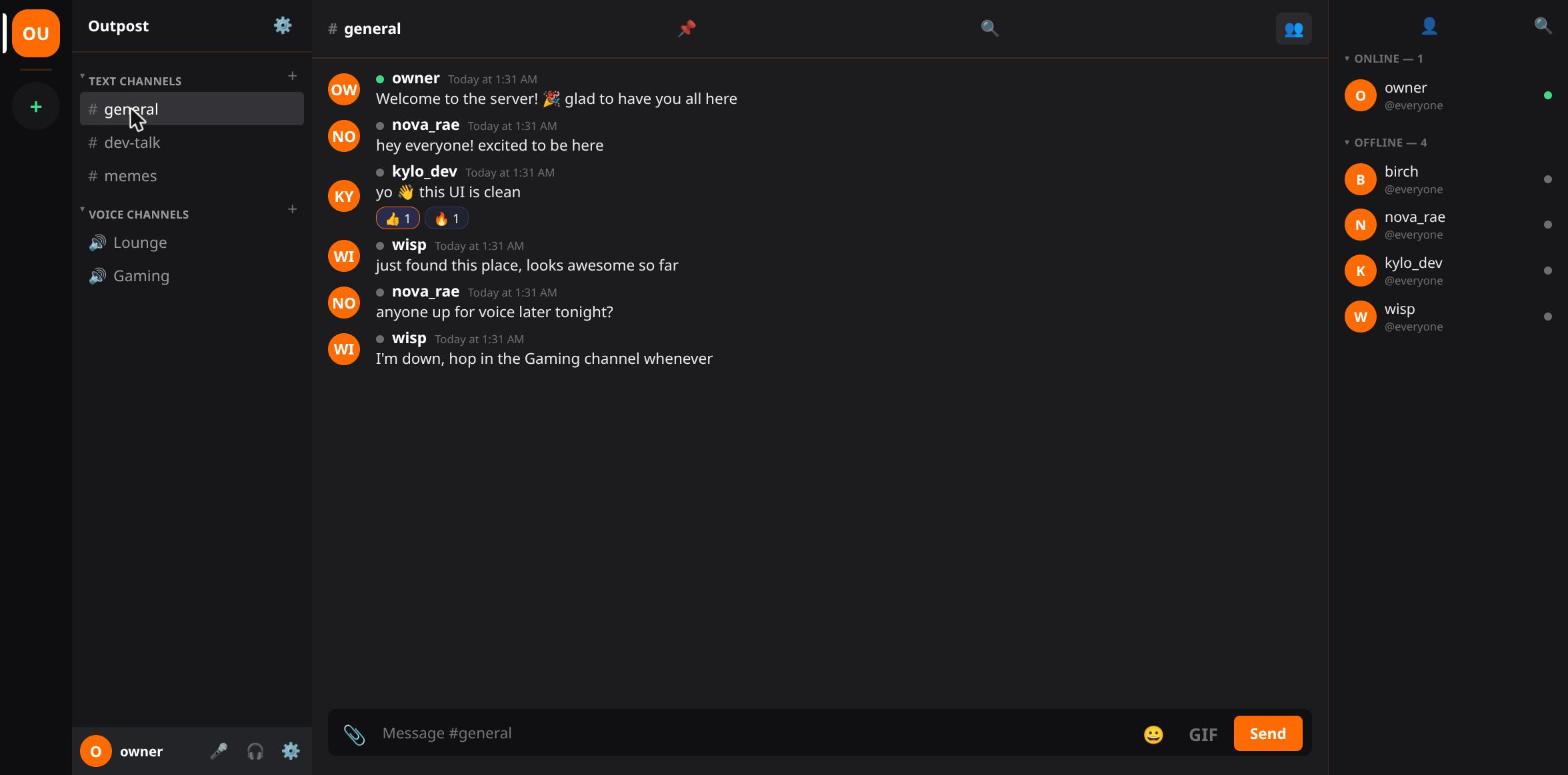
Captured from the desktop app on Linux.
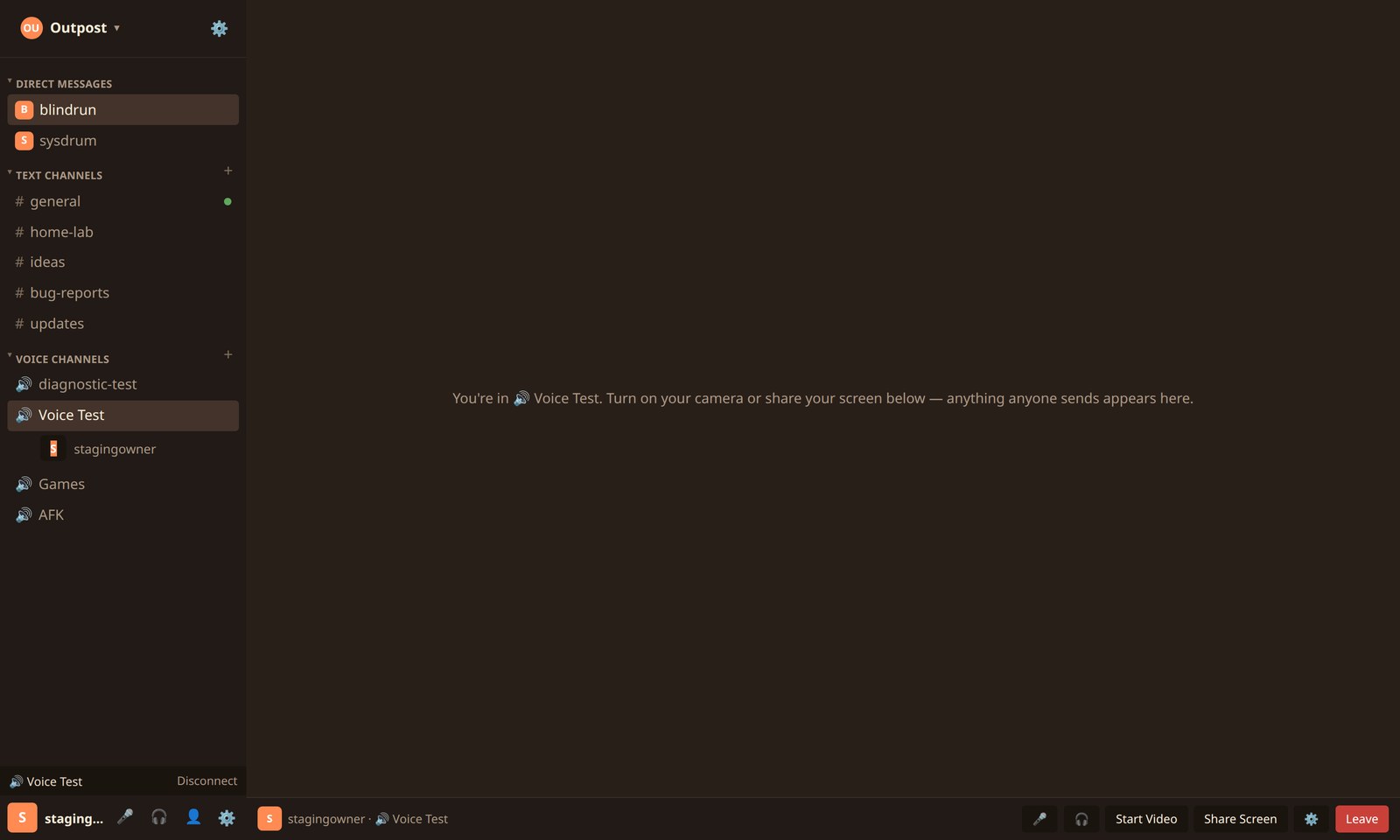
Join a voice channel and the call takes over the pane. Turn on a camera or share a screen and they tile together.
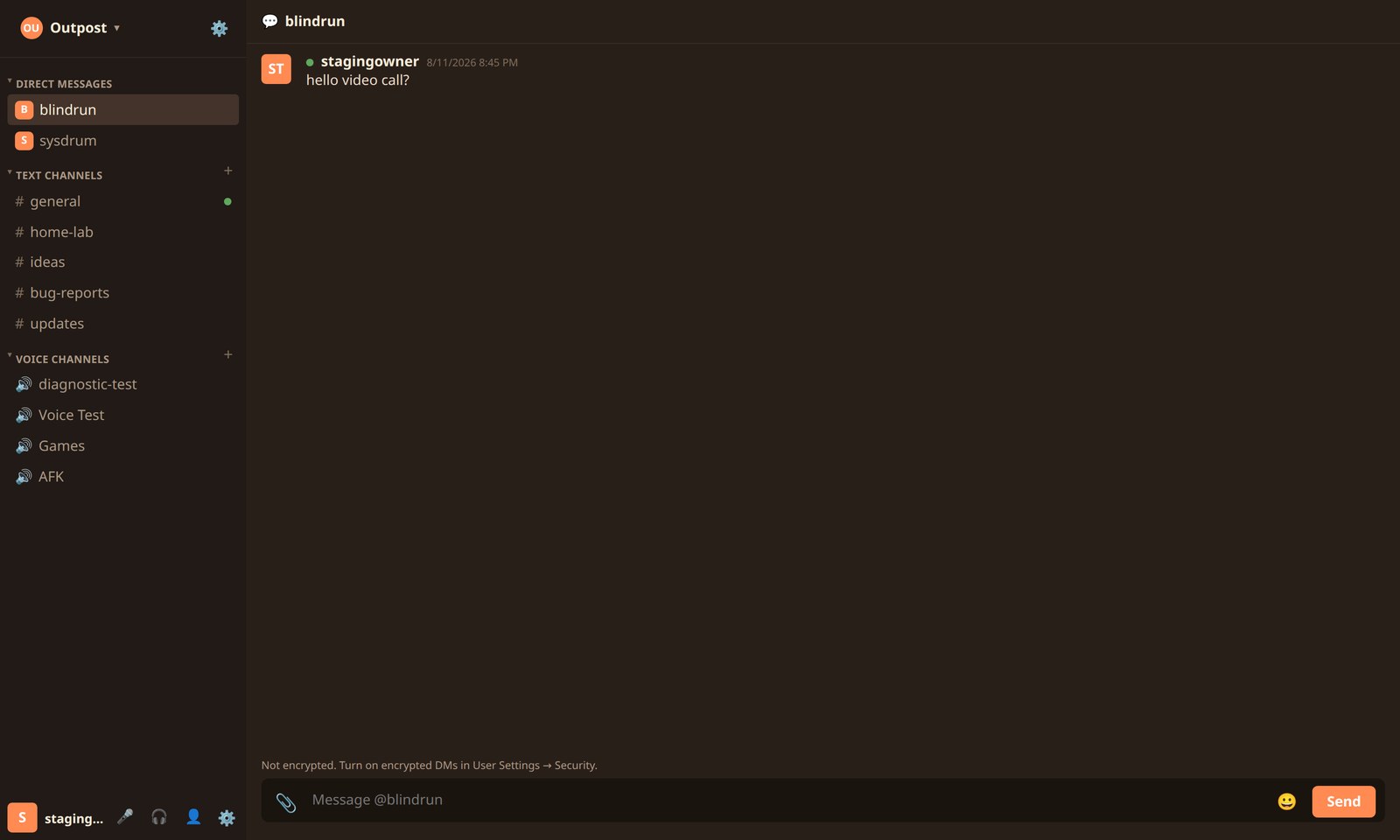
Direct messages mark exactly where encryption starts and stops. Dropping back to plaintext reads as a warning, because that is what changes your exposure.
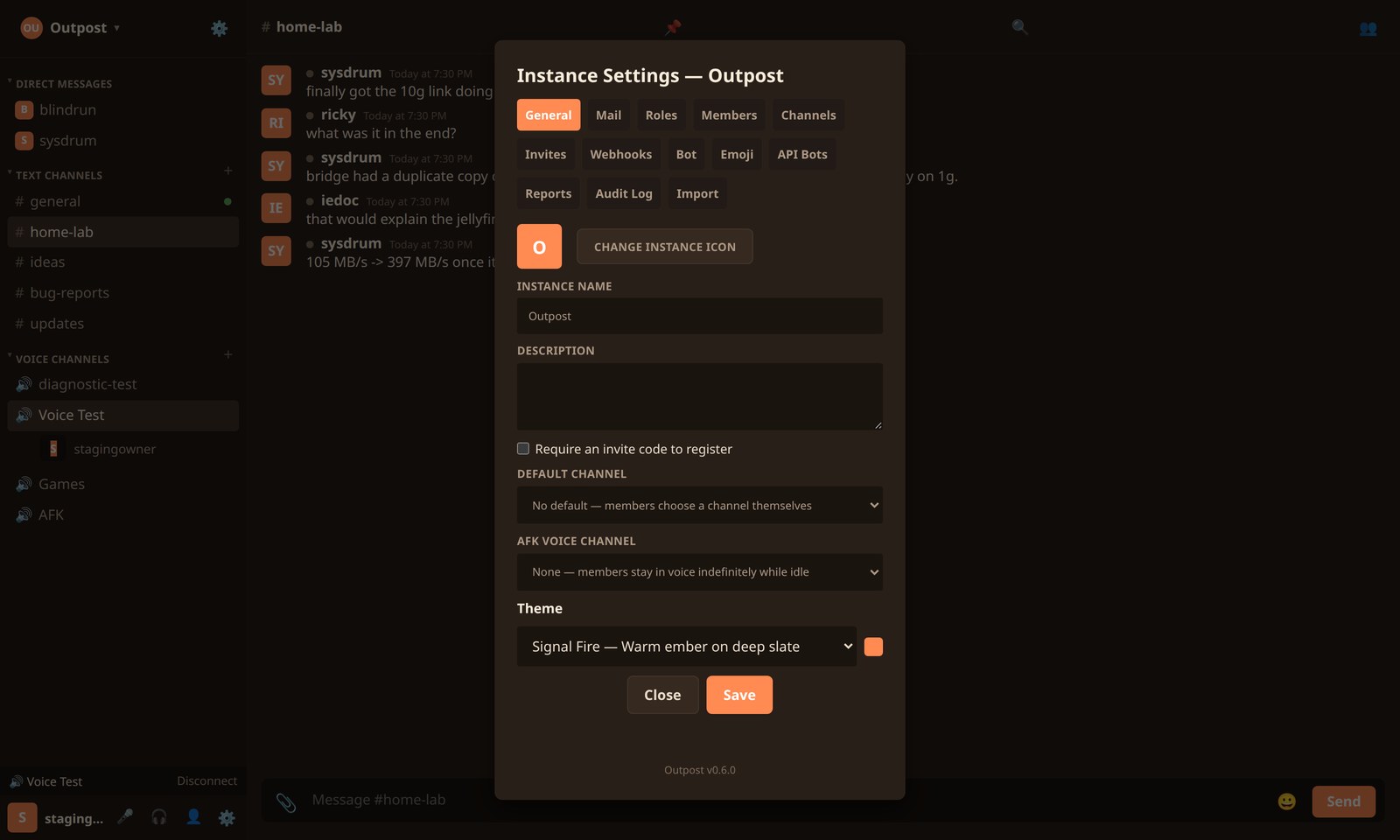
Your instance, your rules. Roles, invites, webhooks, reports and an audit log.
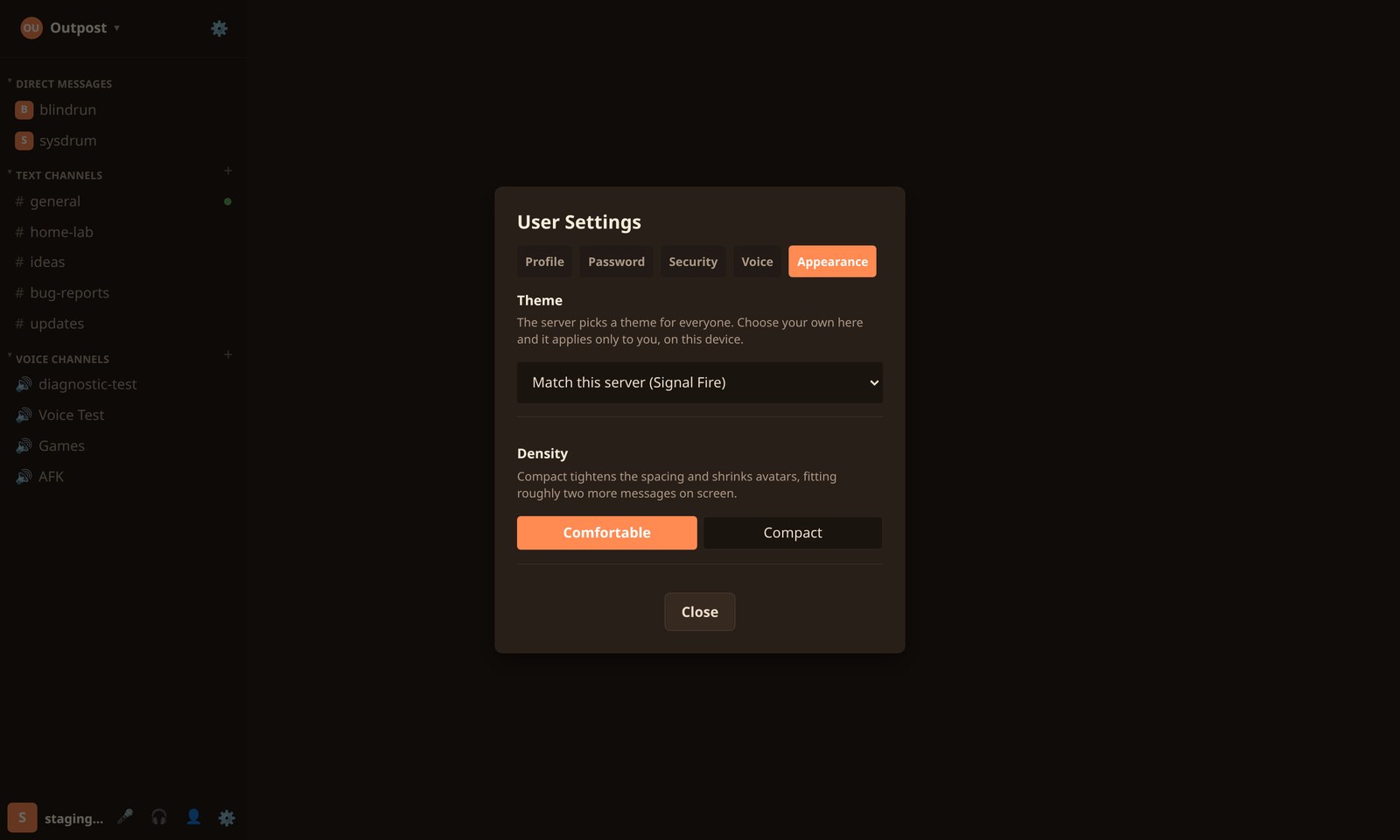
Pick your own theme and density. The server sets a default. This overrides it for you alone.
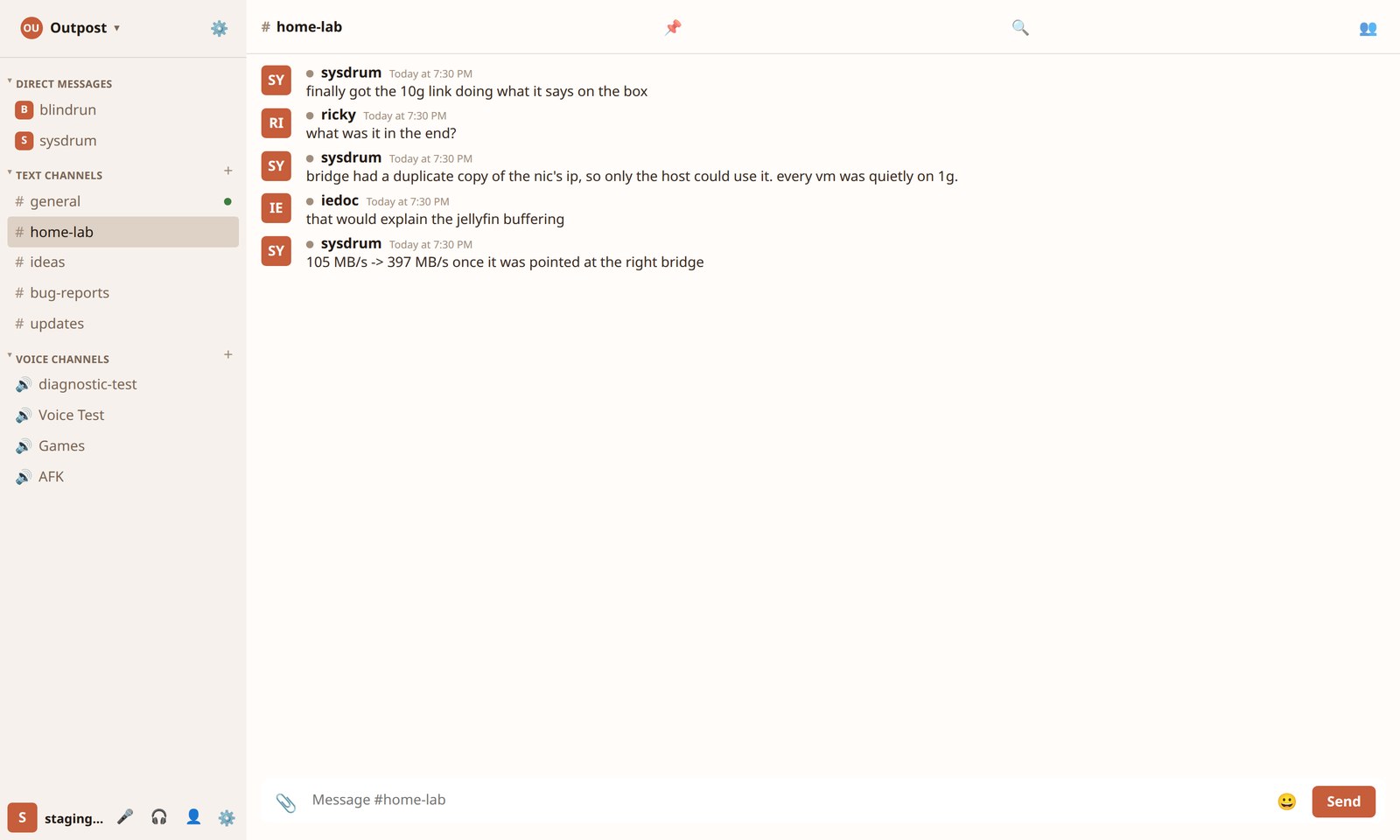
Daylight, the first light theme. Warm rather than grey, so it still looks like Outpost in a bright room.
Browse public Outpost servers by topic, or add your own to the directory.
Browse Servers