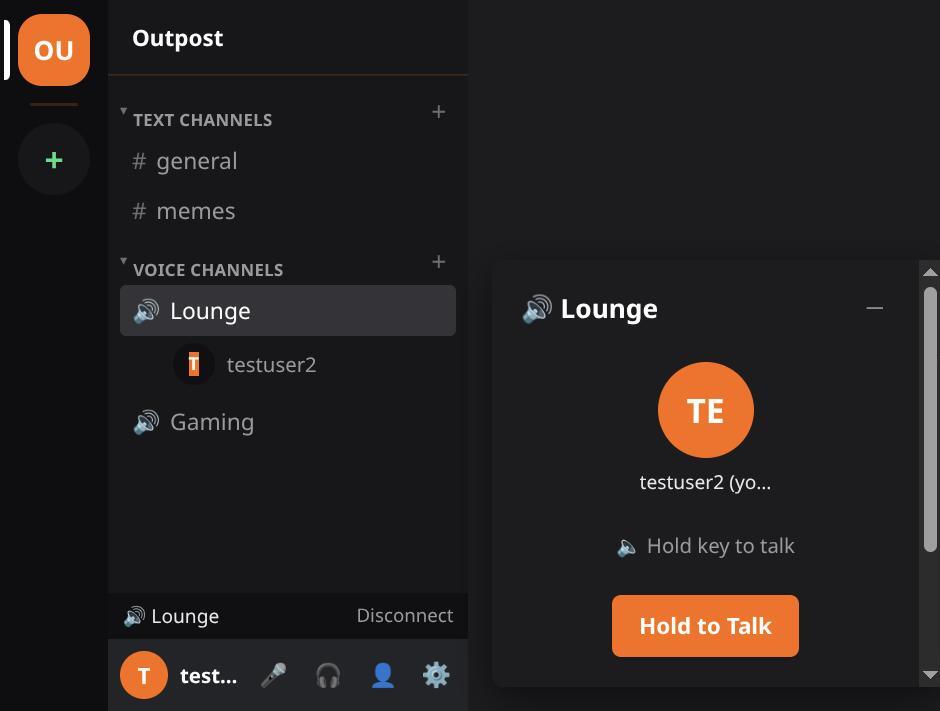
There is an Android app. It is the same client the browser runs, wrapped so it installs like a real app. It is early. Expect rough edges.
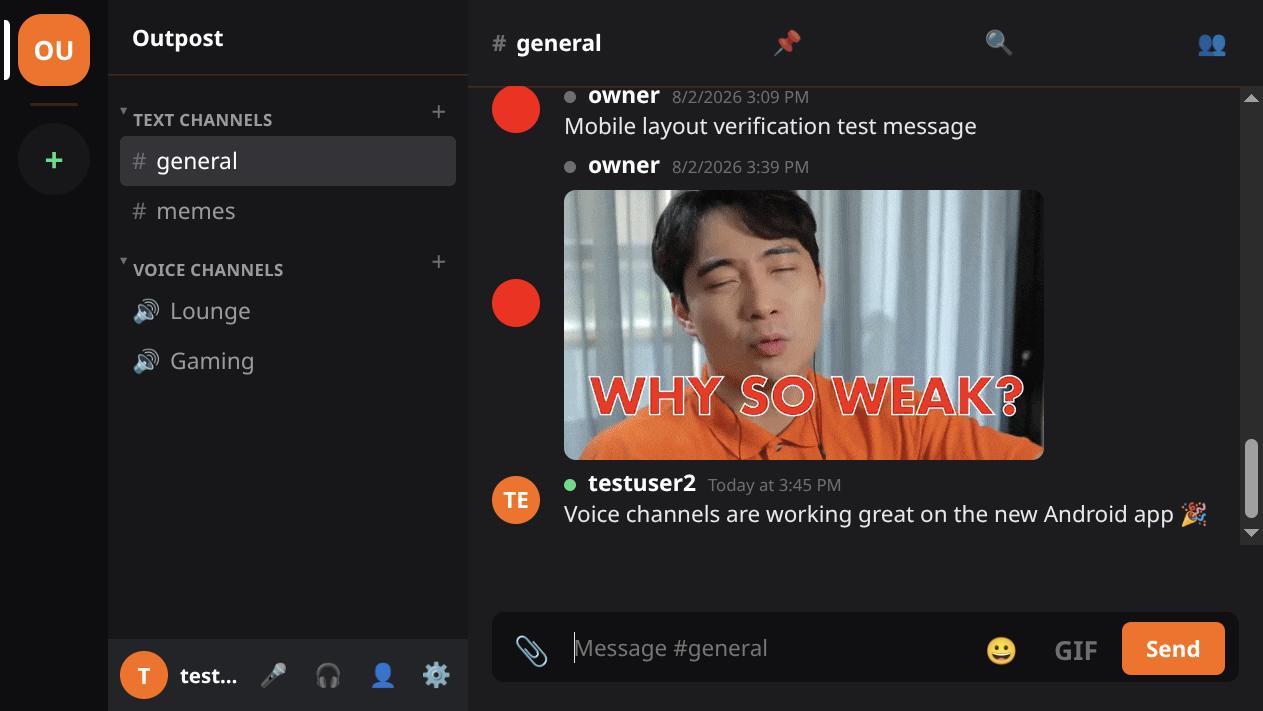
Get the APK from the download page, or straight from GitHub Releases.
Android will ask you to confirm an install from an unknown source. That is expected. The build is not signed with a Play Store key.
There is a Play Store release in closed testing. It is not public yet, and Google wants a run of real testers before it can be. Volunteer on issue 3 if you want in.
Voice works, push-to-talk included. Join a voice channel and Android asks to record audio. Allow it.
Two things had to be fixed to get there, and neither showed up anywhere except on a real phone. The WebView was not passing the page's microphone request to Android at all. Then the mic still would not open until the device audio was put into communication mode. Both are handled for you now.
Your camera works too, as of v0.5.0. It was declined by name before that, the same way the microphone once was.