A bot account is a member like any other. It has roles, it has permissions, and it signs in with a token instead of a password. Use one for anything that has to post on its own. Deploy notices, a status check, a game server saying it is up.
Open instance settings, API Bots. You need MANAGE_CHANNELS to see it.
Type a username. Click New. That is the whole thing.
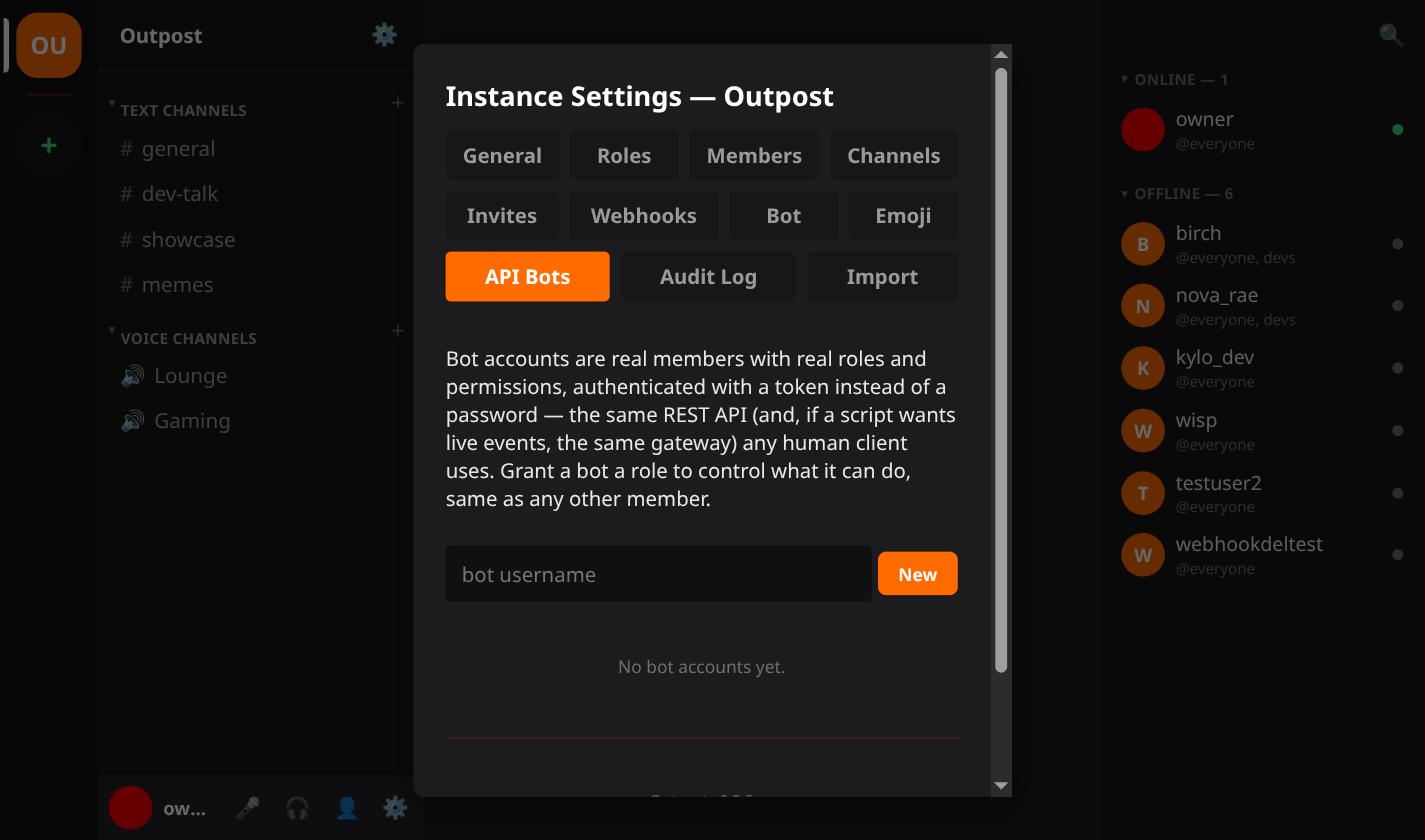
Copy it now. Put it in a password manager, not in a chat message.
BE WARNED: there is no second look. The token is a signed JWT and the server does not keep a copy of it. Nothing can show it to you again. Lose it and your only move is to delete the bot and make a new one.
Two things you can do later. Revoke kills the token and leaves the account. Delete removes the account.
The token does not expire on its own.
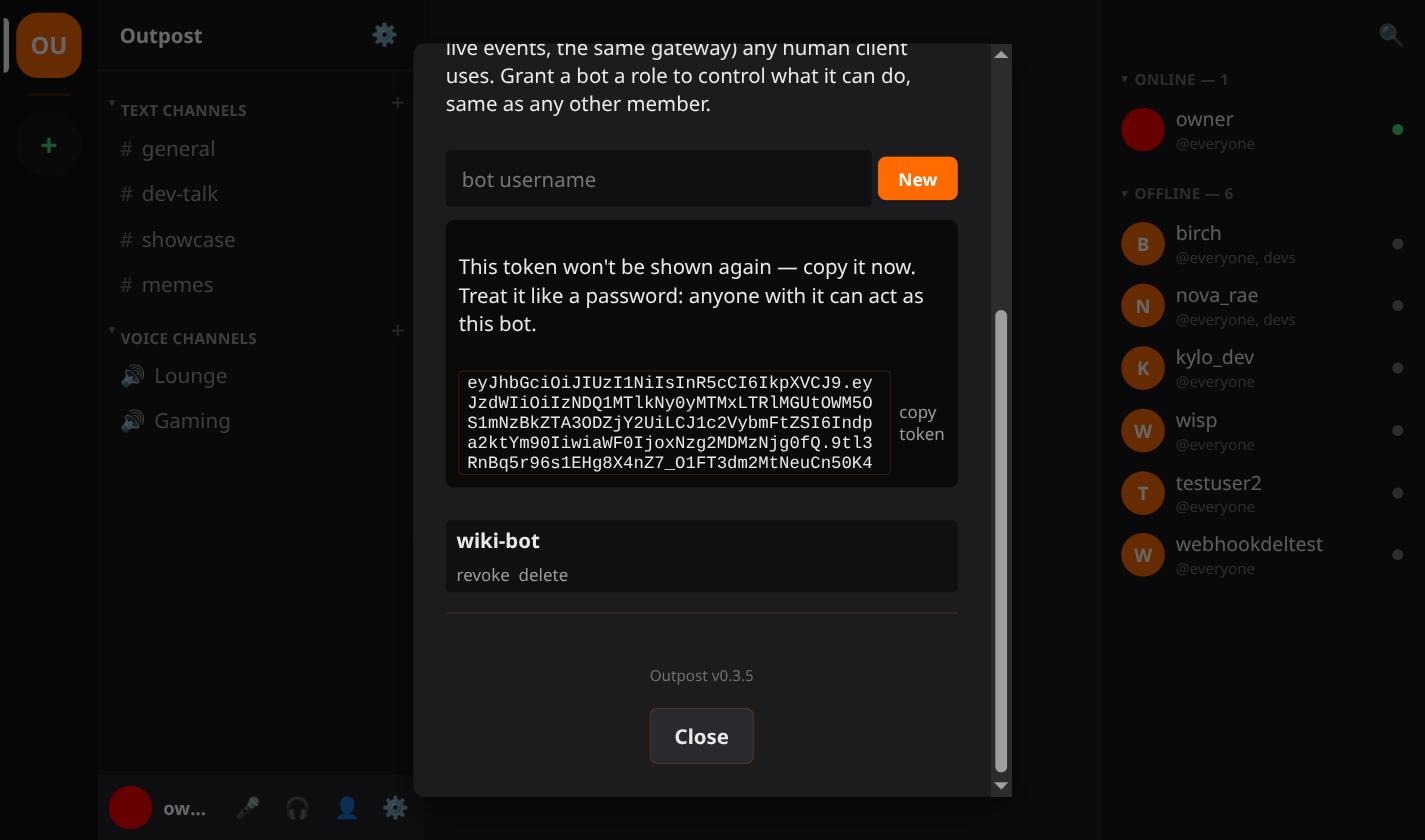
A new bot has @everyone and nothing else, exactly like a new person.
Give it a role from instance settings, Members, or from the member list in the app.
There is no separate permission system for bots. It is the same one in Roles, Invites & Moderation, so the same advice holds. Grant the narrowest role that does the job. An admin role because it was quicker is how a broken script deletes a channel.
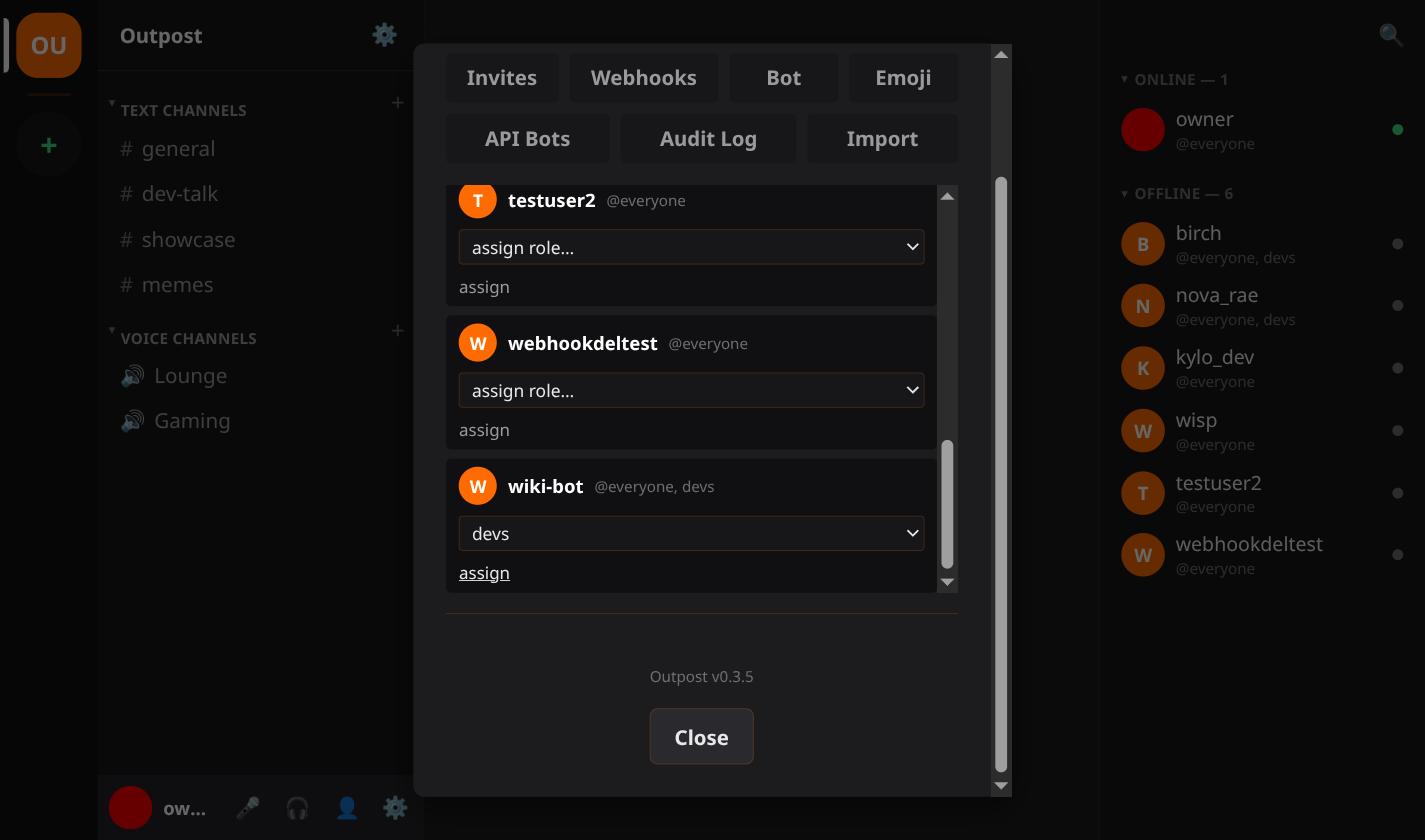
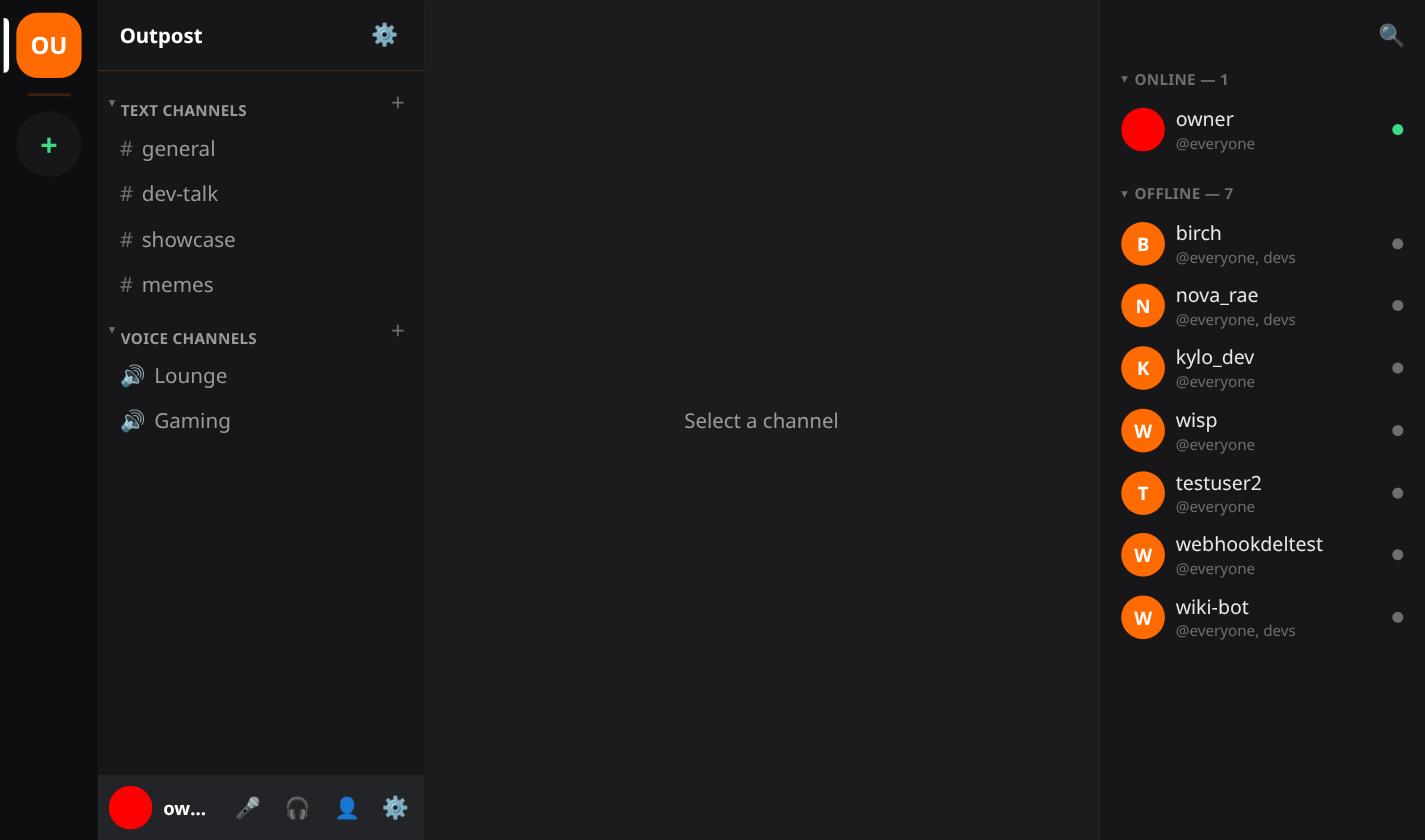
The bot then appears in the member list with its role badges, the same as anyone else.
It appears the first time something connects with its token. A bot nothing has signed in as yet has no presence to show.
Send it as a bearer credential against the REST API. That covers posting a message or reading history.
Open a gateway WebSocket with it instead when the script has to react to things as they happen rather than poll.
There is no bot-only API to learn. It is the same one the web, desktop and mobile clients use.
Got real automation running? List your server in the server directory so people looking for a community like yours can find it.