Edit, delete, react, reply, pin, search. The text side of Outpost does what you expect a chat app to do. This page is what each one actually does.
Edit or delete anything you sent.
An edited message says it was edited. That is on purpose. Quietly rewriting what you said after somebody replied to it is worse than the typo.
Moderators with the right permission can delete anyone's message. See Roles, Invites & Moderation.
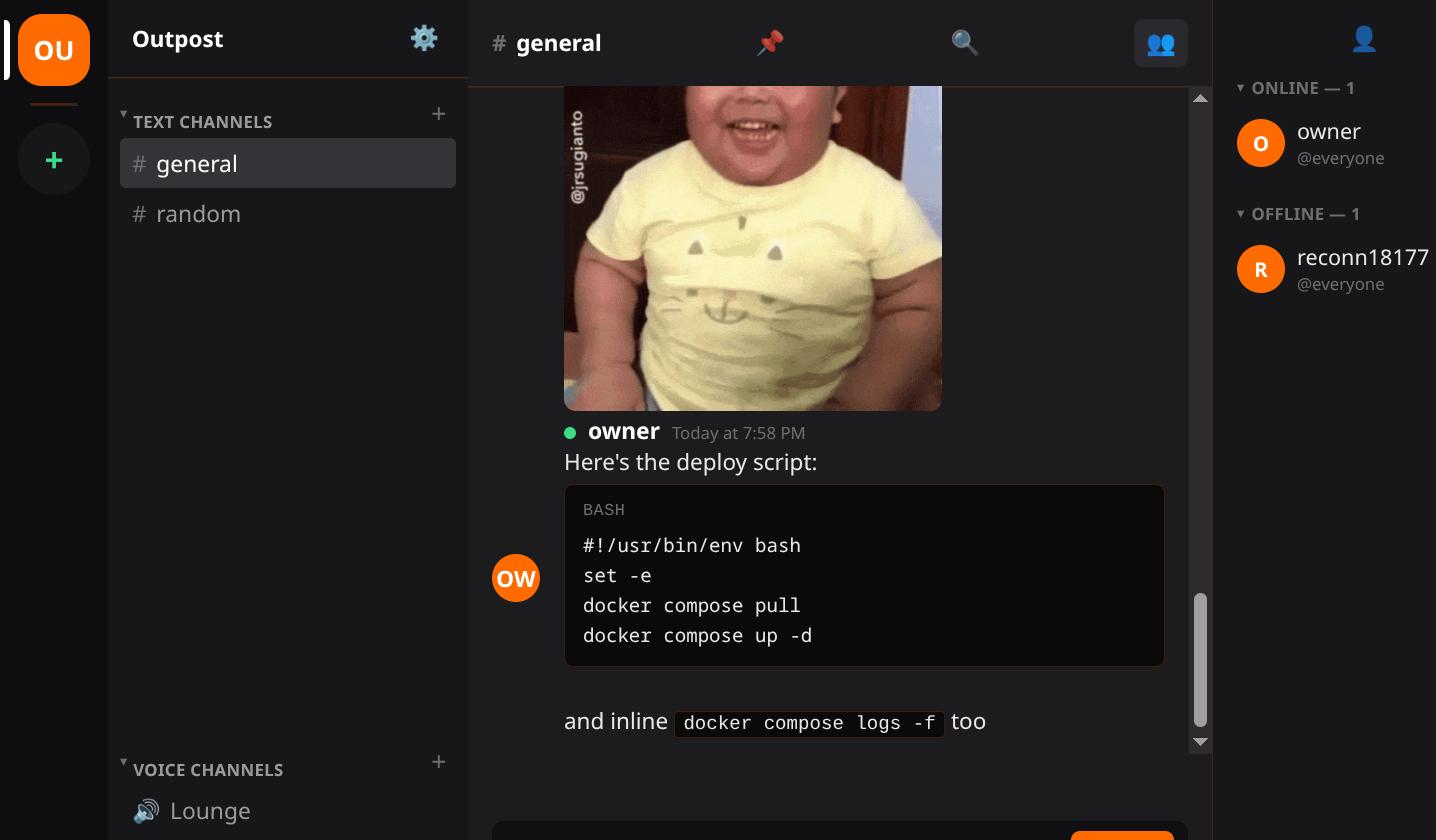
Wrap code in triple backticks for a block, or single backticks for `inline code`. Name the
language right after the opening fence if you want.
Press Shift+Enter for a new line without sending. That is how you write a multi-line message at all.
Hover a message and pick an emoji. Several people stack on the same one.
Your server's own custom emoji work as reactions too, not just in message text. An owner uploads those in instance settings.
Reply to a message and it quotes the original above yours, so a conversation two hours later still makes sense.
Type @ for a member and # for a channel. Both autocomplete, and a channel name
becomes a link.
Start a thread on a message when a side conversation is about to take over the channel. It keeps its own scrollback.
The composer has an emoji picker. It searches by name, so type fire and get the flame.
GIF search sits next to it, powered by Giphy. It only appears if the server owner set a Giphy key. No key means no button, rather than a button that fails.
Pin a message to keep it findable without scrolling.
Search covers the channel history directly. Use it before scrolling back through last week by hand.
The member list shows who is online. Typing indicators show who is part way through a message in the channel you are looking at.
Drop a file into a channel and it uploads.
Images and video play inline. Everything else shows as a file to download rather than a broken image.
Anyone can post an image. Videos, documents, archives and code files each need their own role permission,
named UPLOAD_VIDEOS, UPLOAD_DOCUMENTS, UPLOAD_ARCHIVES and
UPLOAD_CODE. Roles, Invites & Moderation covers
granting them.
Executables are refused for everyone. No role turns that on.
Uploads are private. They are served through the app, and reaching one means being signed in to that server. A guessed or leaked file URL on its own gets nothing.
Paste a link and the first one gets a preview card with the page title, description and image.
The server fetches that preview, not your browser, and it refuses to fetch anything on a private network. A link cannot be used to make somebody's server probe its own LAN.